Break it down,
get it done

Split big tasks into small steps. Finish them all, and the big one checks itself off.

See what's left
at a glance
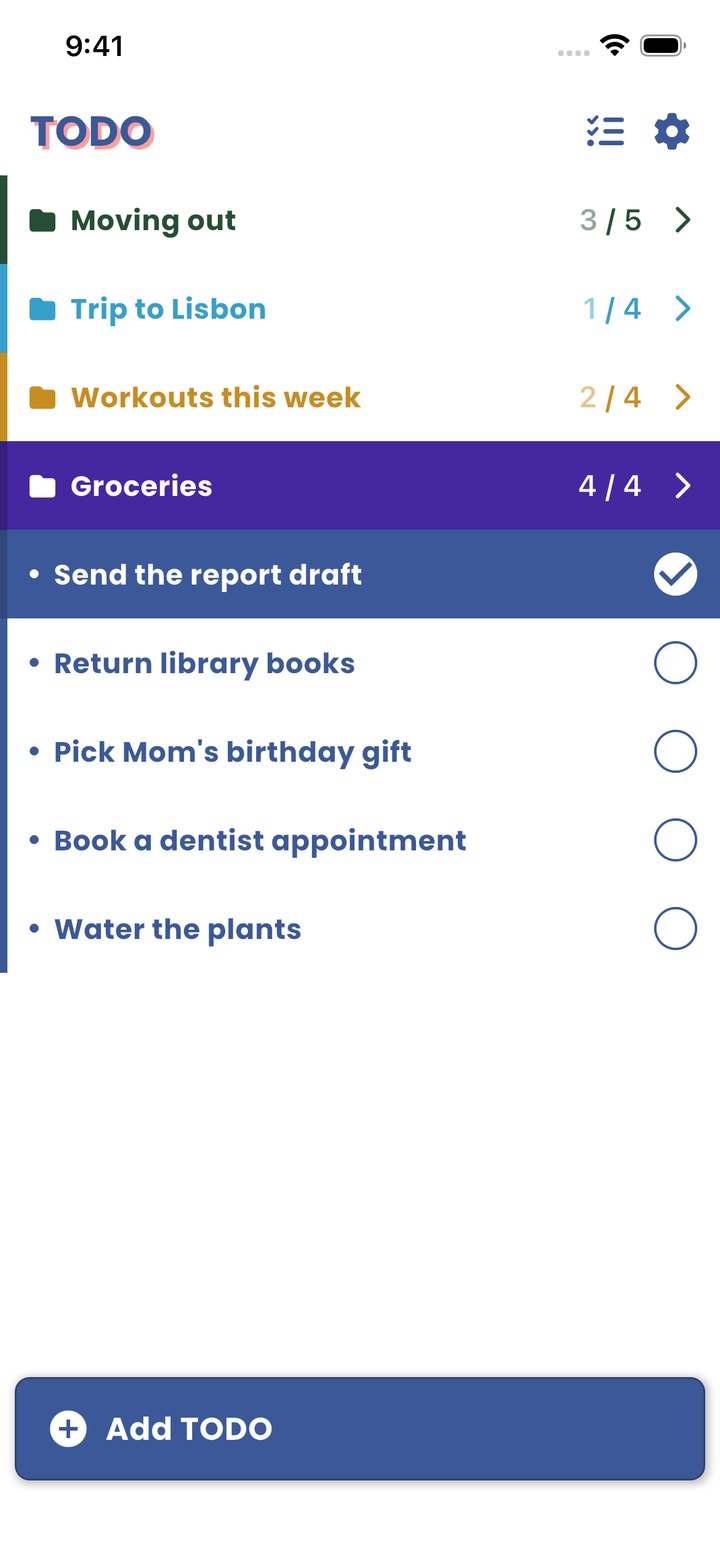
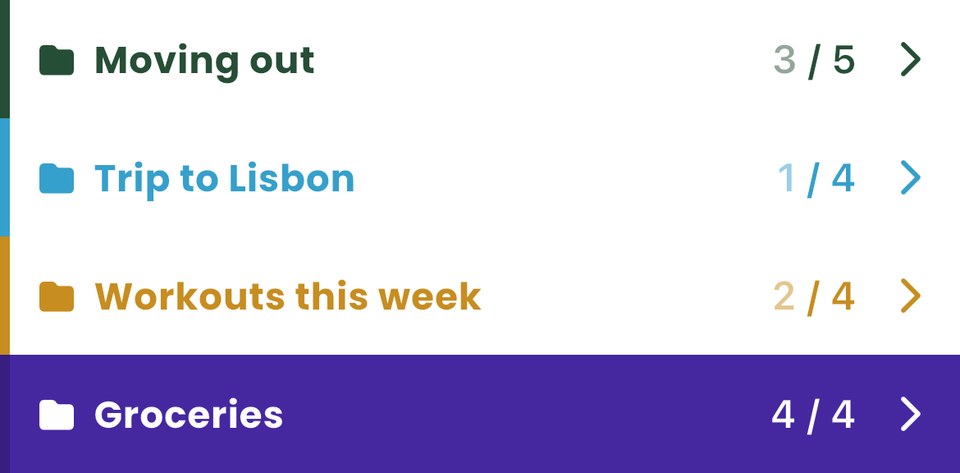
TODO home screen: each folder has its own colour and a done count, like Moving out 3/5, Trip to Lisbon 1/4 and Workouts this week 2/4. Groceries, all done at 4/4, is filled in

Todos inside
todos

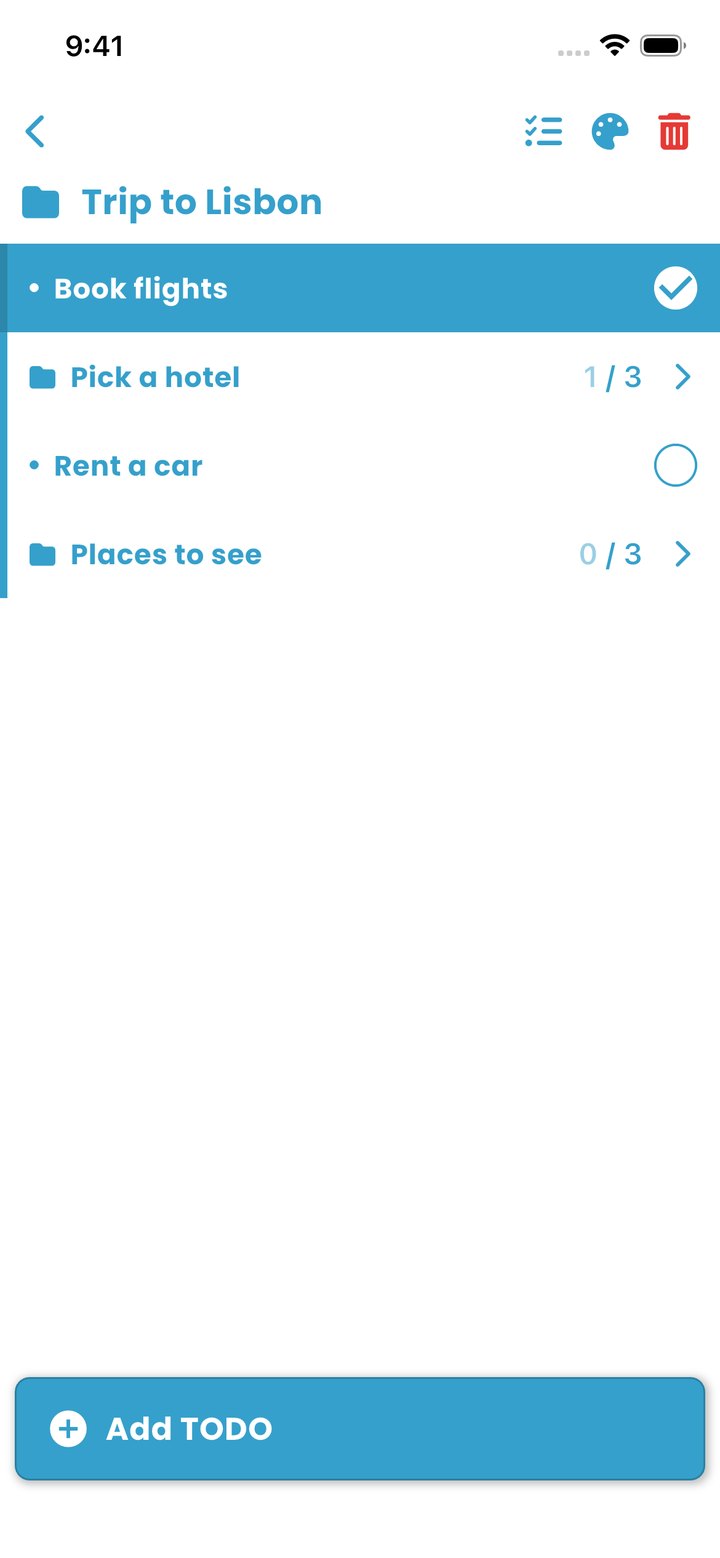
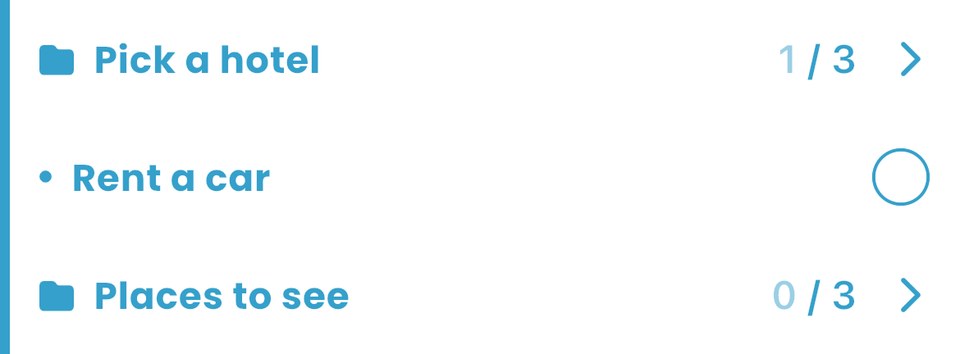
Inside Trip to Lisbon: Book flights is done, while Pick a hotel 1/3 and Places to see 0/3 are folders with todos of their own

Pick a few,
move them at once

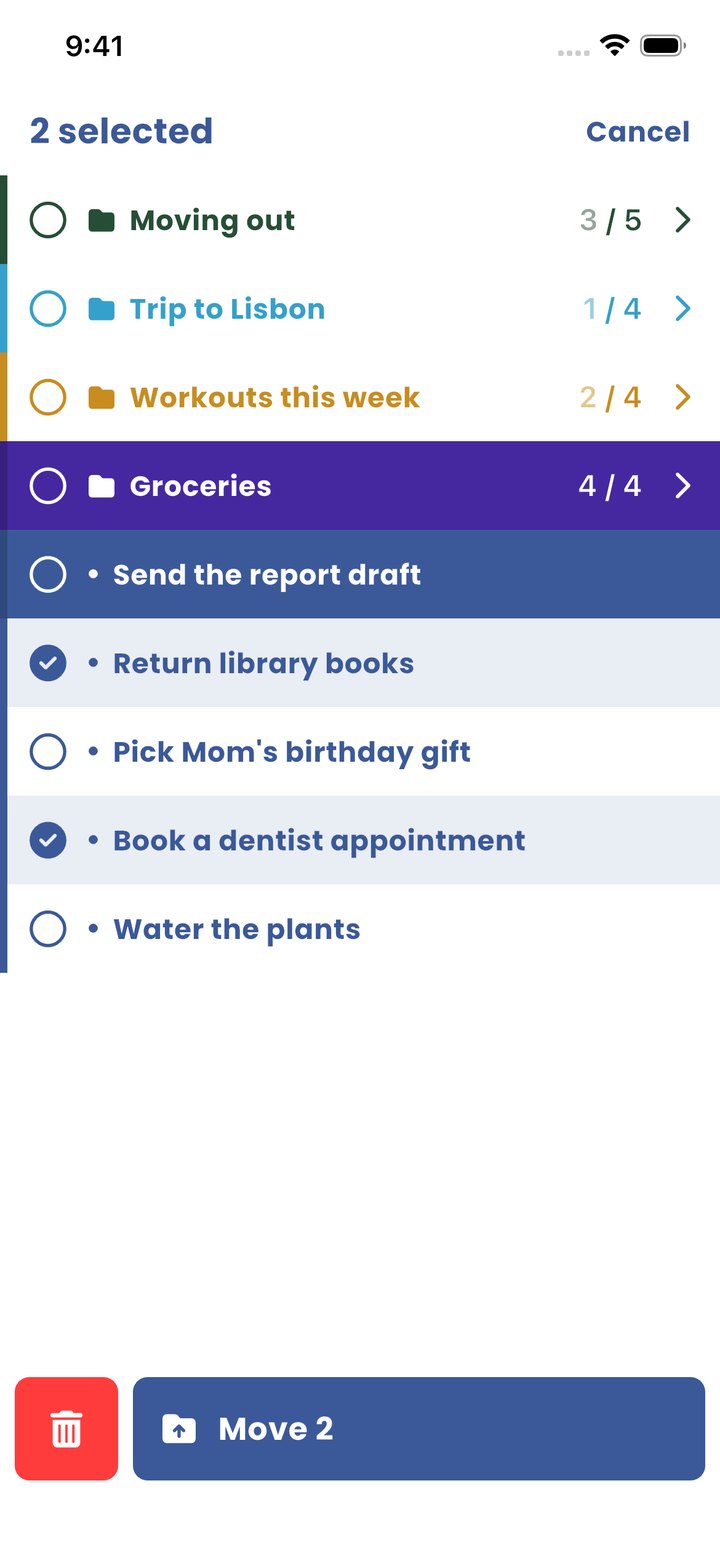
Selection mode: Return library books and Book a dentist appointment are picked, with Delete and Move 2 at the bottom

Your colours,
your fonts

Give every folder its own colour,
then pick dark mode and a font you like

Start with today's list

Todos inside todos, finished one step at a time